
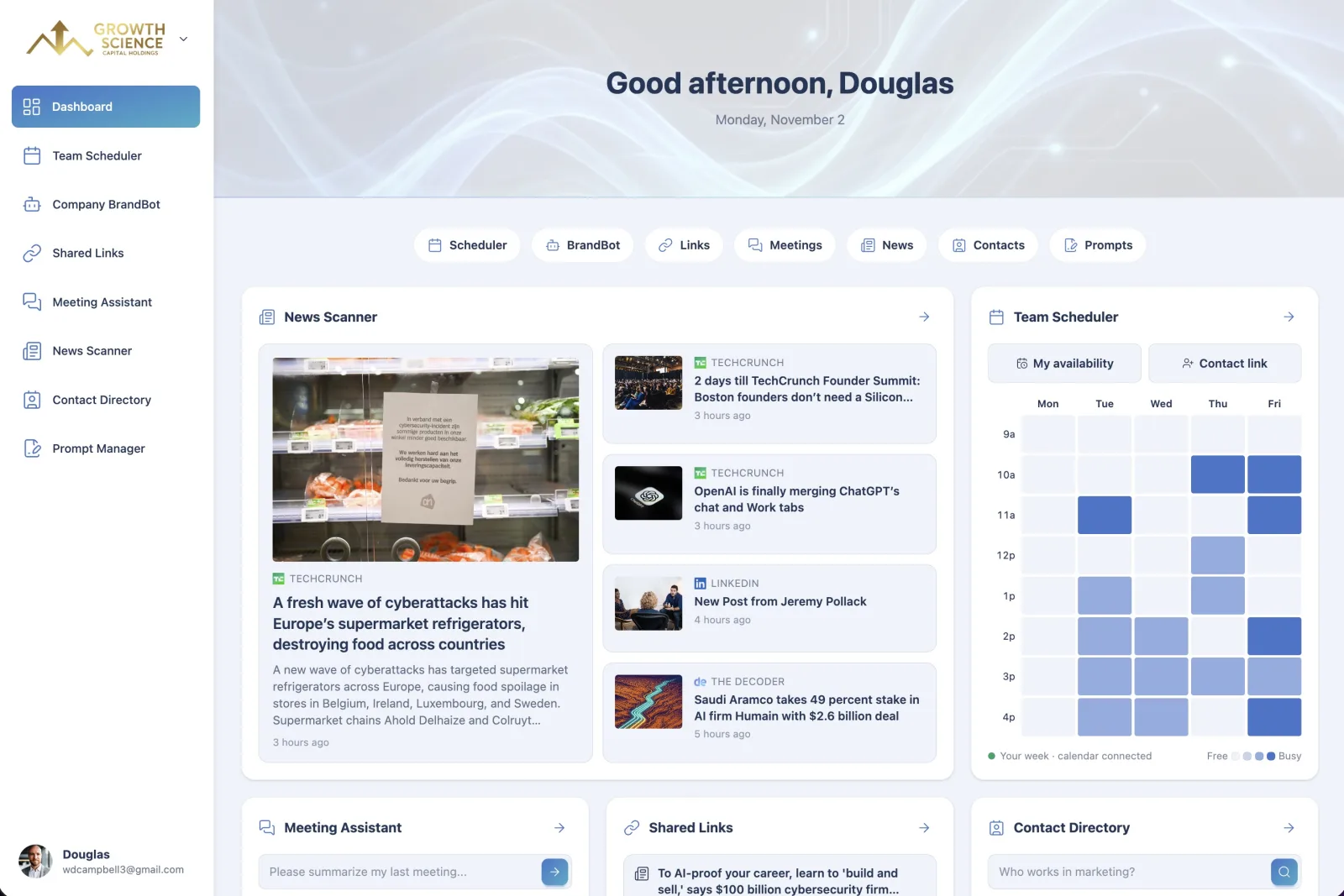
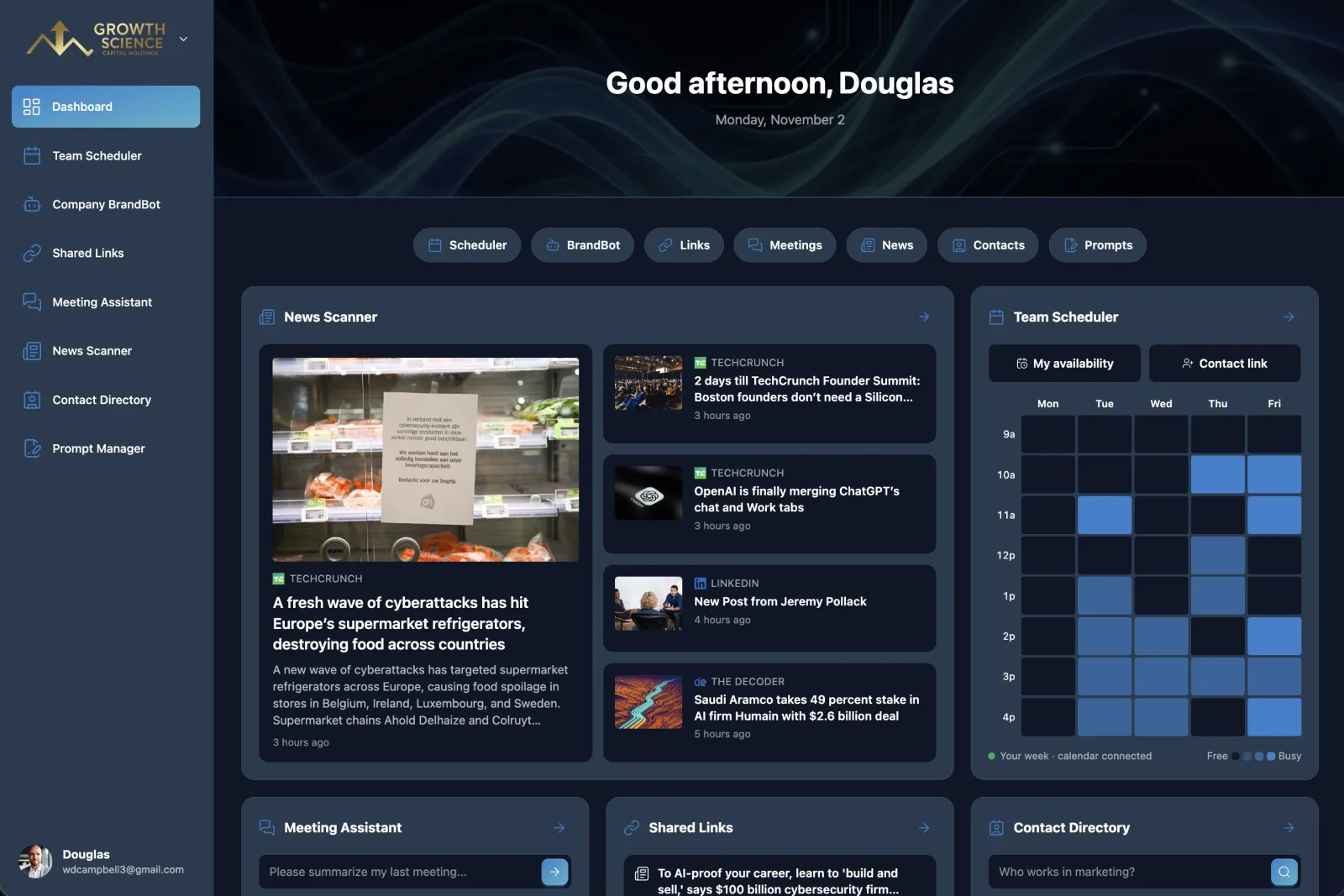
Excited to announce my latest project!
Updated November 2026: TeamCentral has grown a lot since launch day, so I've expanded this post to cover everything it does now.
TeamCentral is an AI workspace for consultants, growing startups and remote teams. It books meetings across organizations, finds the right contact, preps you for calls, and writes on-brand content. And here's the part I'm most excited about: you can do all of it from Claude, ChatGPT or Grok, not just inside TeamCentral itself.
I designed and built the whole thing with vibe coding, using Claude Code and Google's Antigravity as my engineering team.
WHY I BUILT IT
Every team I work with has the same problem. The work is scattered across a dozen tools, and the AI assistant everyone now lives in can't reach any of them. So you end up copying context back and forth: paste in the meeting notes, paste in the brand guidelines, go check three calendars, come back, paste again.
I wanted one workspace where the everyday stuff (scheduling, meeting follow-up, on-brand writing, contacts, prompts) just works, and where your AI assistant can do it for you. The tagline says it best: Ask your AI. TeamCentral gets it done.
THE TOOLS
TeamCentral is eight tools in one workspace, and every one of them works from your AI assistant. For each one, here's the problem, what it does, and the kind of thing you can just ask for.
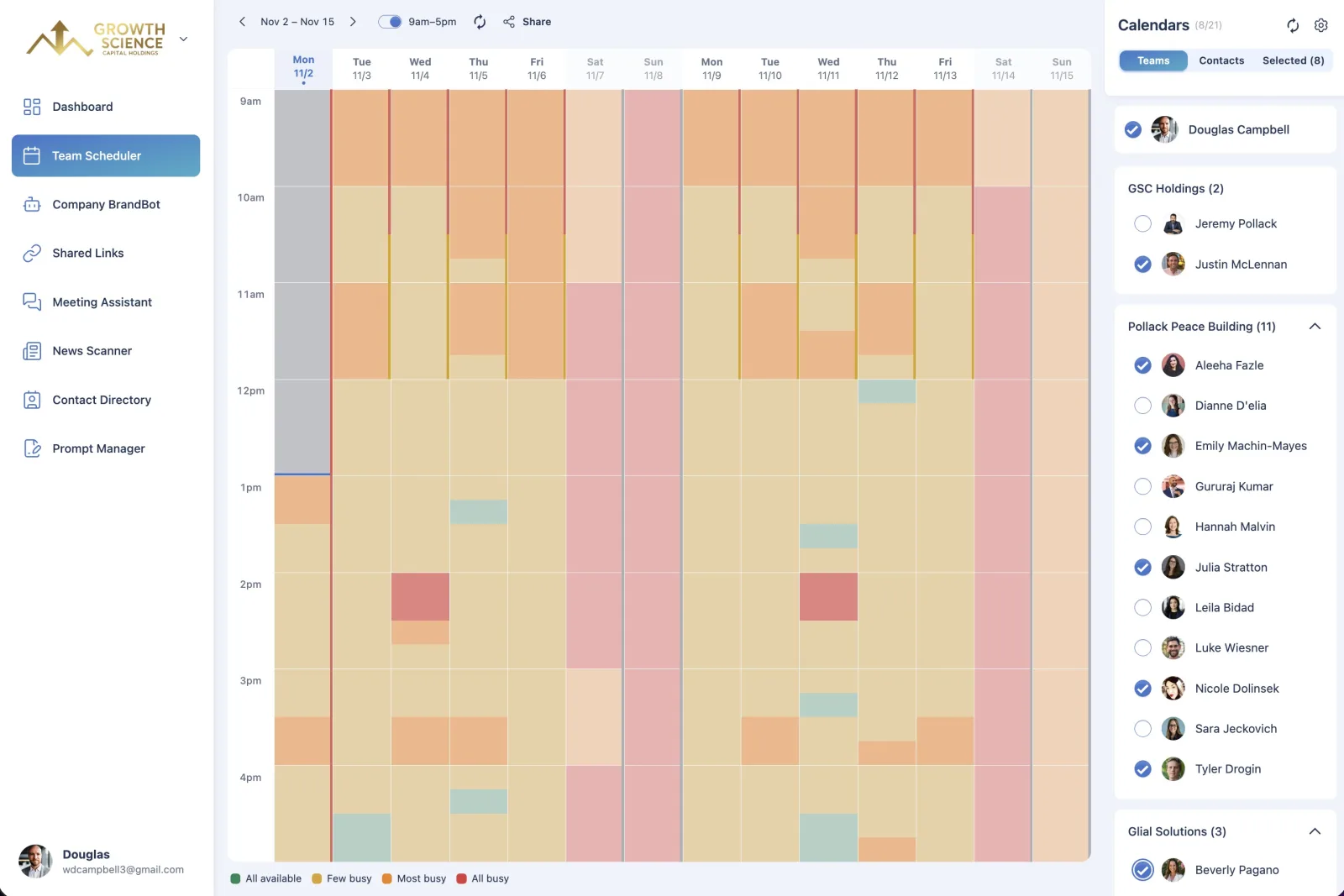
Team Scheduler
The problem: coordinating schedules across a team means endless back-and-forth.
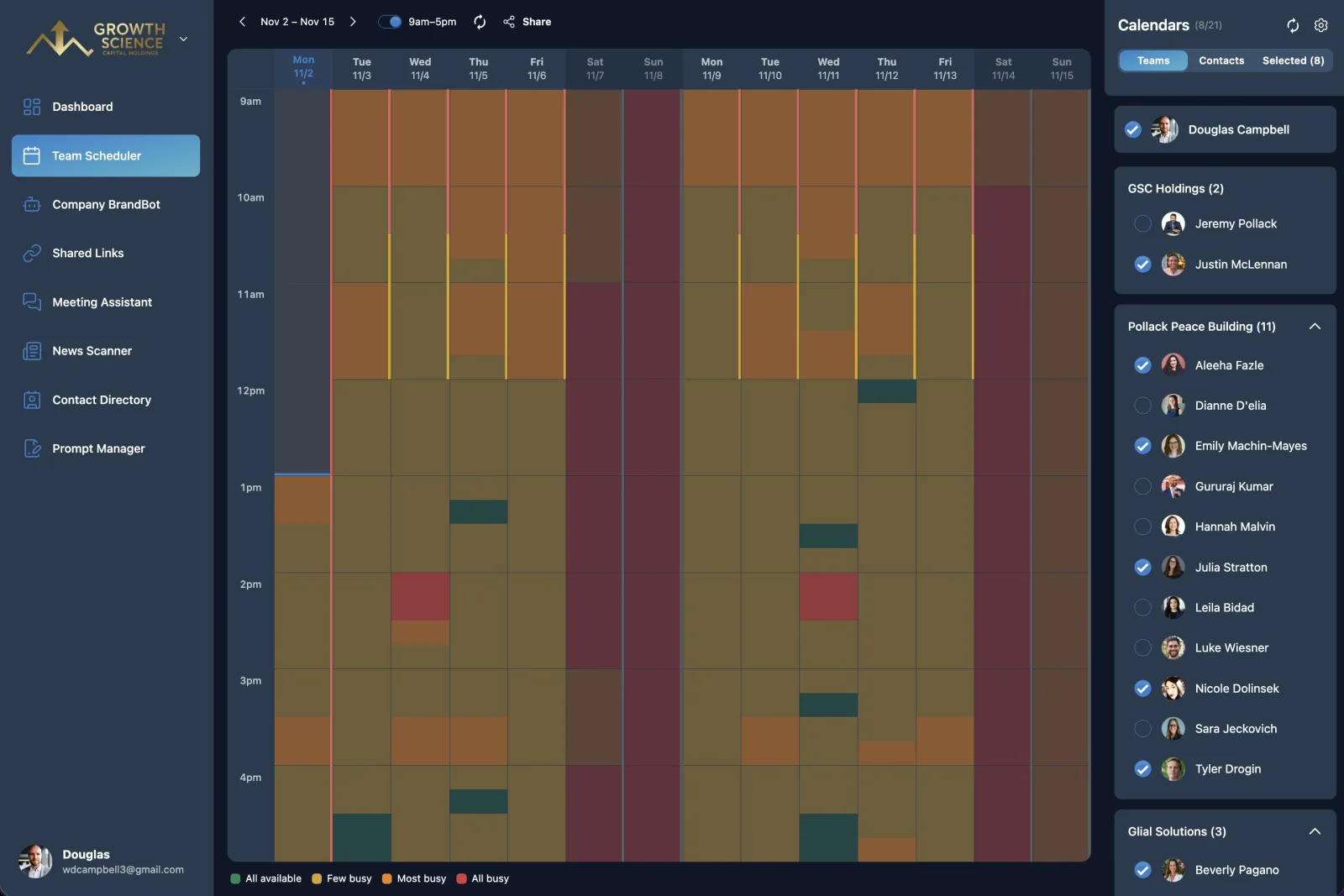
What it does: see when everyone is free across your team, other organizations and personal Google accounts as a heatmap, then book in one click with a Zoom link included.
"Find out when Jeremy, Sara and I are free next week to meet for 15 minutes and book it."
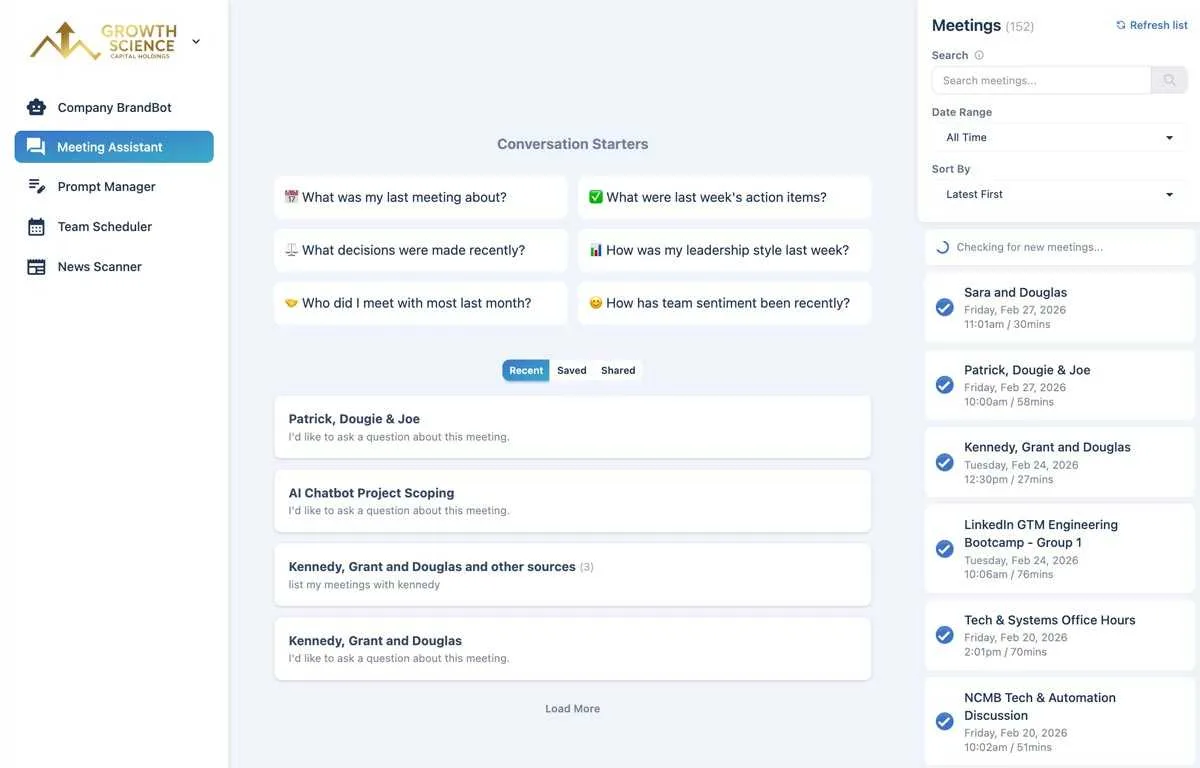
Meeting Assistant
The problem: meetings produce insights that disappear the moment the call ends.
What it does: chat with all your meeting transcripts. Search by participant, date or topic, and surface action items, decisions and key moments in seconds. It works automatically with Fathom (generous free tier), or you can upload transcripts from Zoom, Google Meet, Otter, Granola and the rest.
"Prep me for my call with Jason: what did we decide in our last three meetings, and what do I still owe them?"
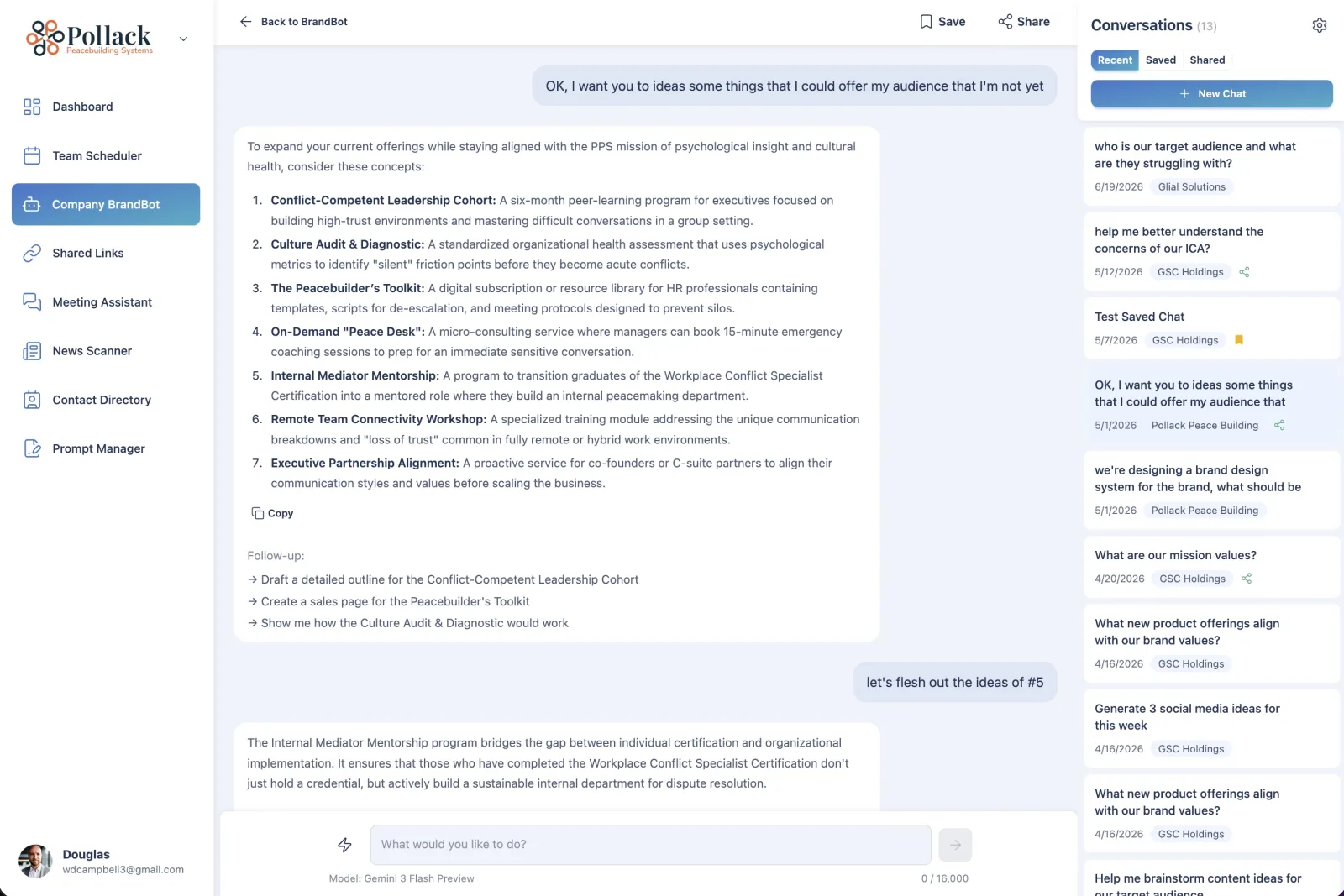
Company BrandBot
The problem: brand consistency breaks down when every team member writes differently.
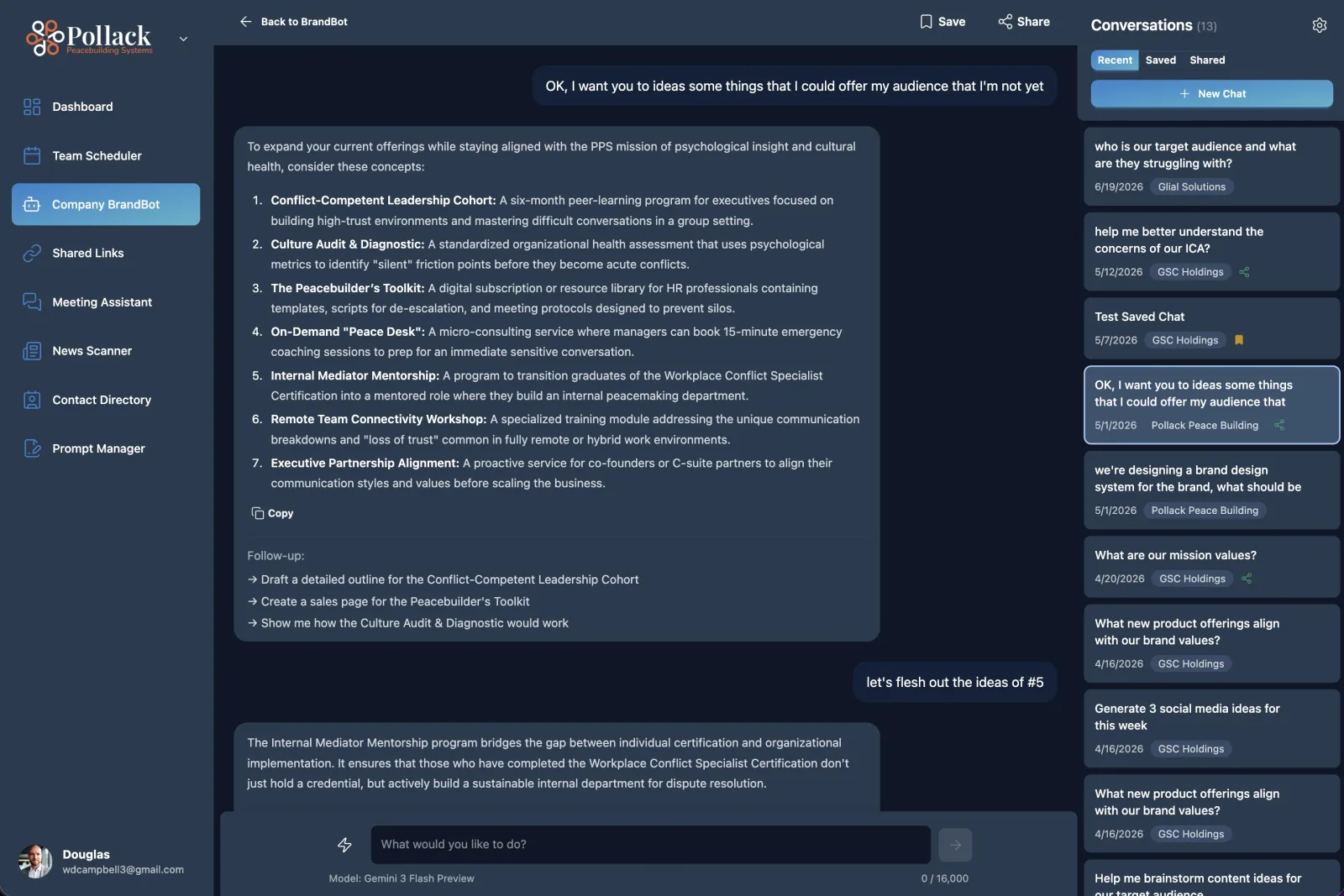
What it does: a custom AI assistant that knows your company's tone, products and guidelines, so every piece of content stays on-brand. You fill in a structured brand brief (or import most of it from your website), and BrandBot reads it on every conversation. It's not model fine-tuning, which means updates take effect immediately and you stay in control of what the AI knows. On Organization plans, the whole team shares it.
"Write a LinkedIn post announcing our new advisory service, in our brand voice, along with a matching graphic."
Shared Links
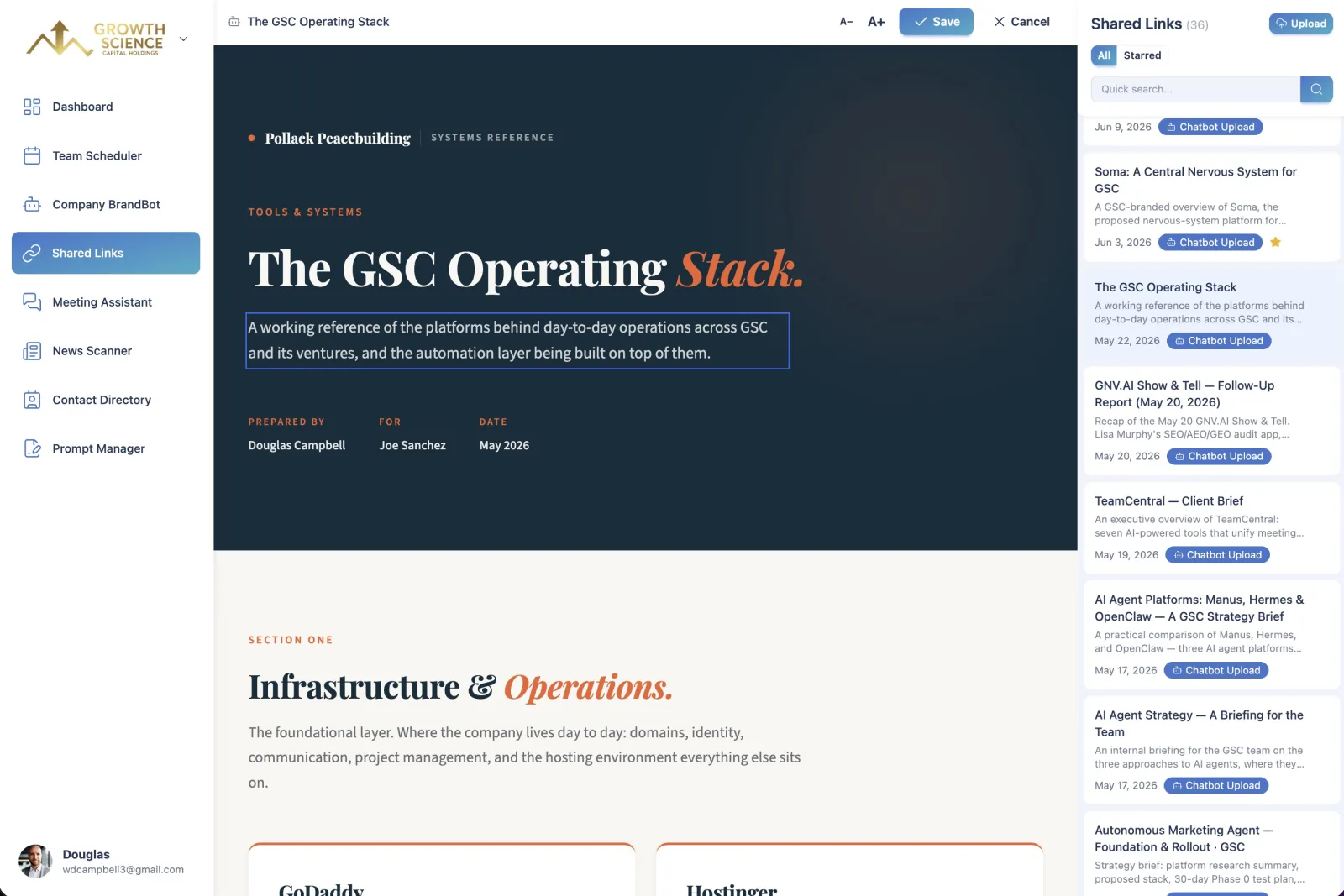
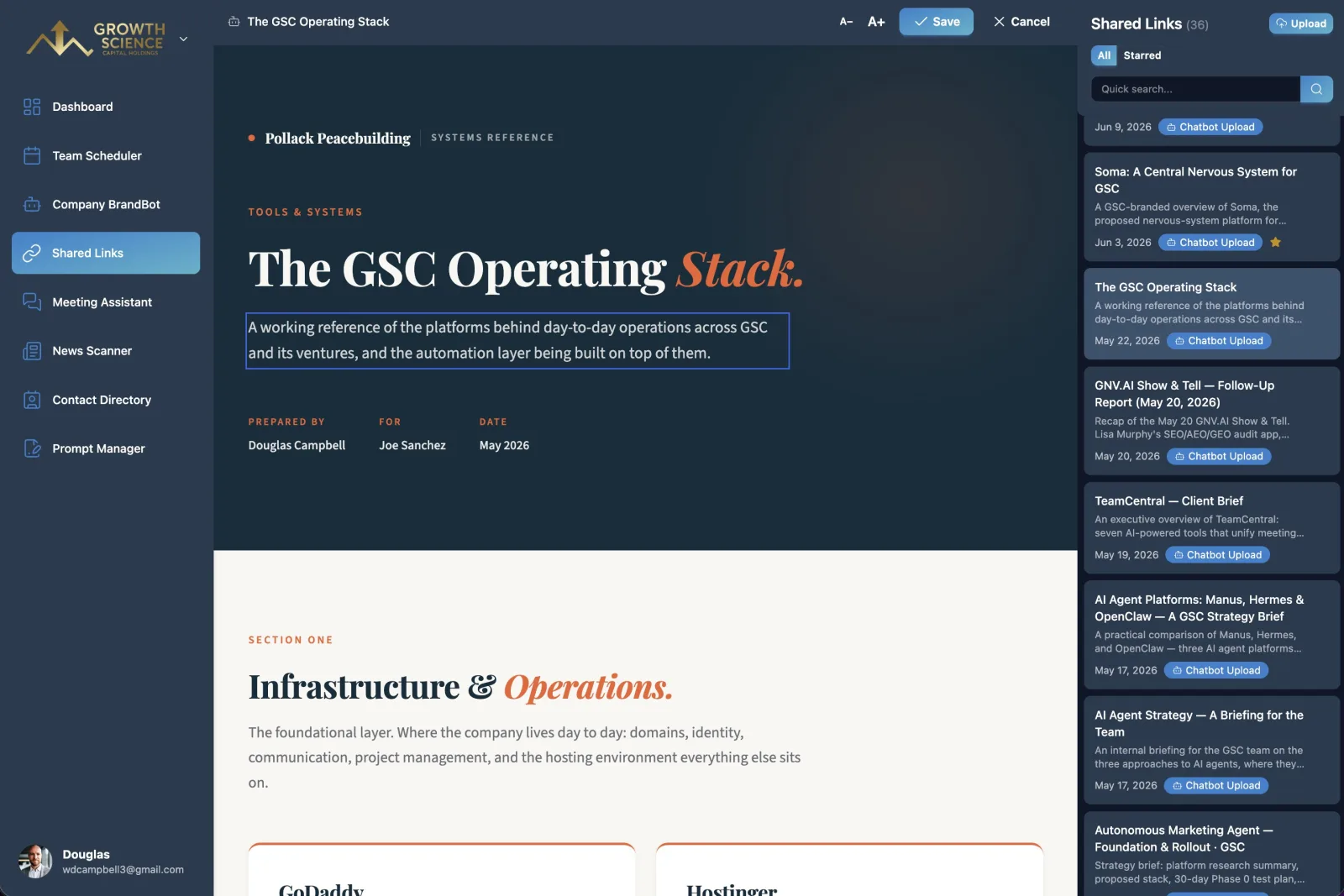
The problem: AI chatbots make polished HTML reports and docs, but editing them is clunky and sharing them often isn't even possible.
What it does: upload any AI-generated HTML page to a shareable link, then edit the text right on the page, no chat window required. Perfect for client-ready reports, presentations and one-pagers.
"Turn the attached analysis into a client-ready one-pager and give me a link I can send to the client."
News Scanner
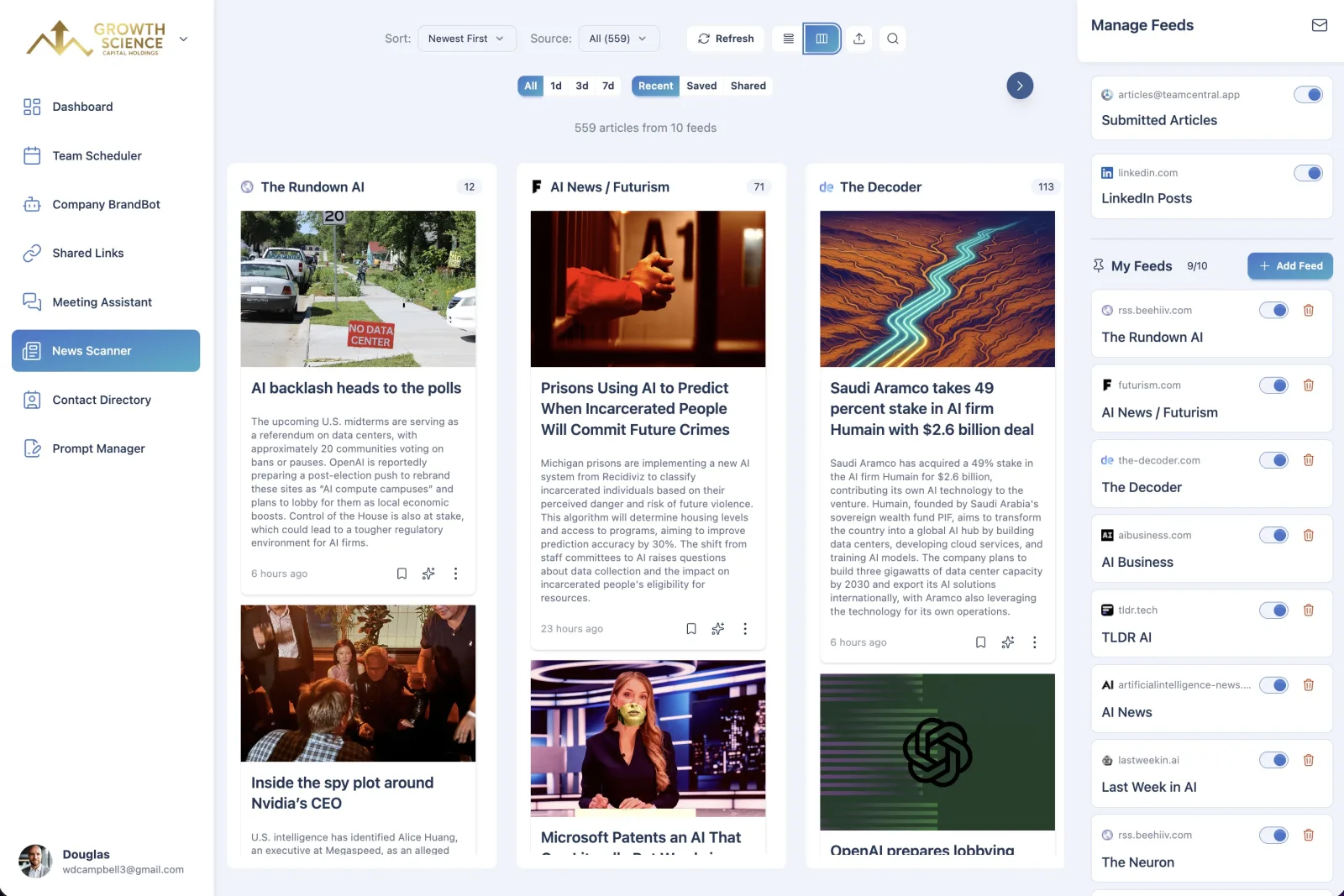
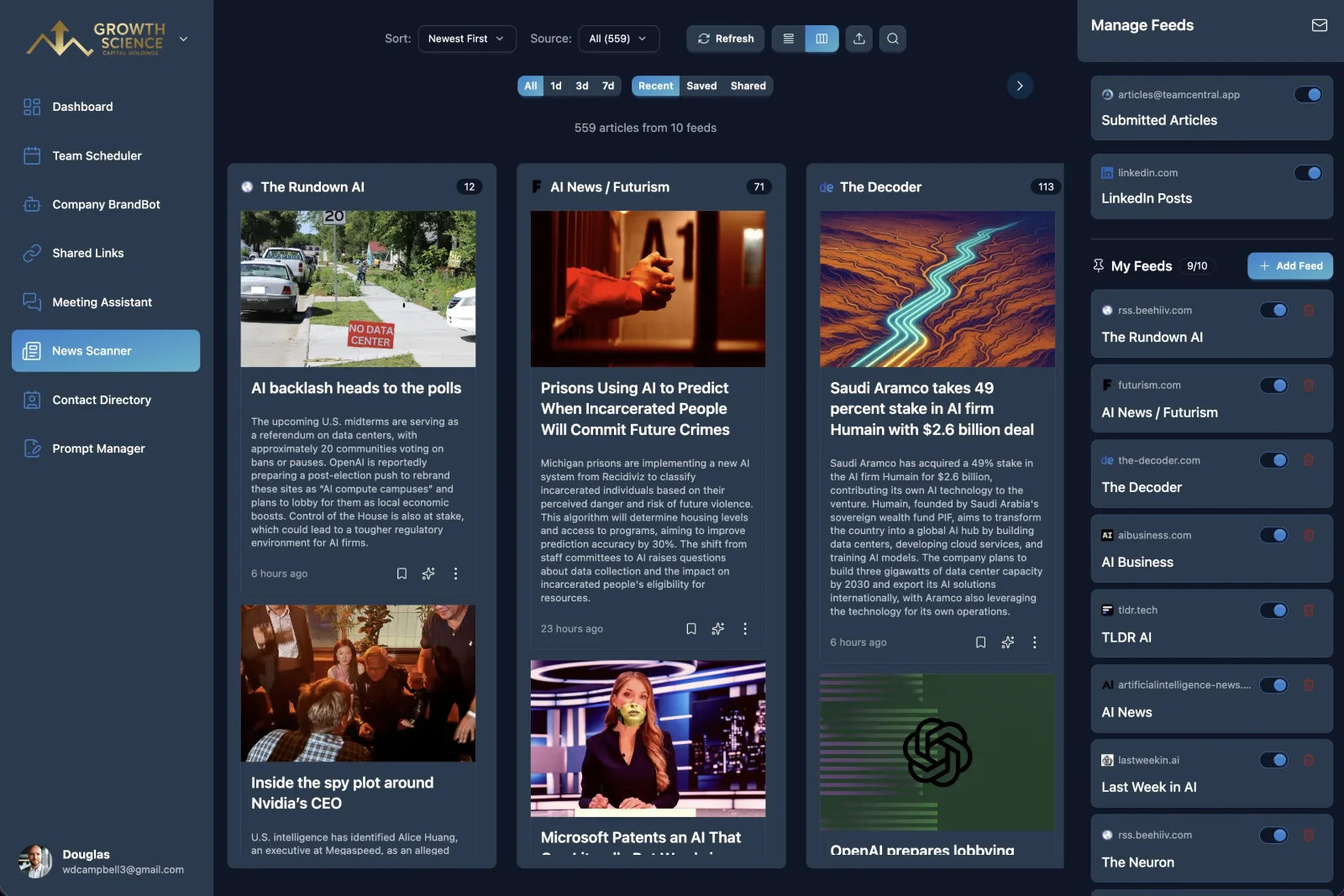
The problem: staying current with industry news takes time you don't have.
What it does: subscribe to any RSS feed and get AI summaries of each article, so instead of skimming dozens of headlines you get a short digest of what actually matters. Organization users get deeper analysis and a daily email digest.
"Pull today's news digest and draft an email to my team with a three-bullet briefing on what matters for our clients."
Contact Directory
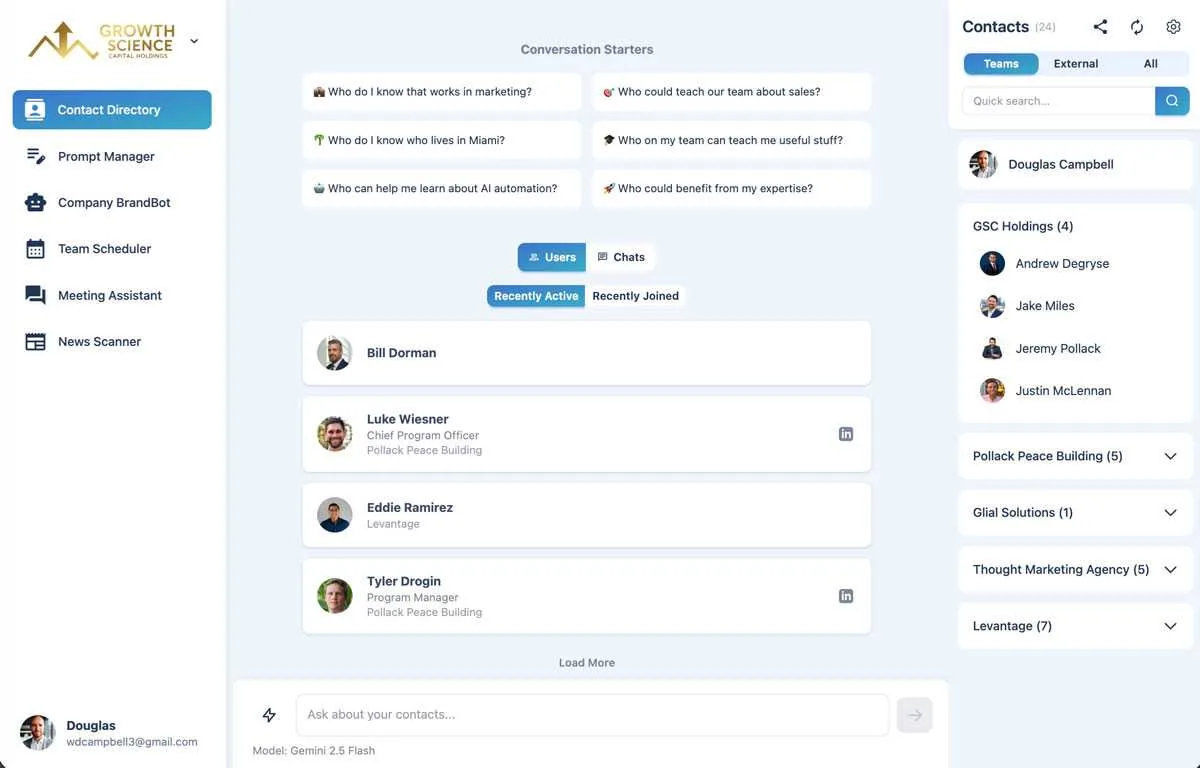
The problem: your team's connections are scattered across inboxes, phones and spreadsheets.
What it does: a shared, searchable directory of everyone your team knows. Browse, filter and explore connections in one place, so the right contact is always a click away.
"I'd like to run a training session on our rebrand. Who should lead it?"
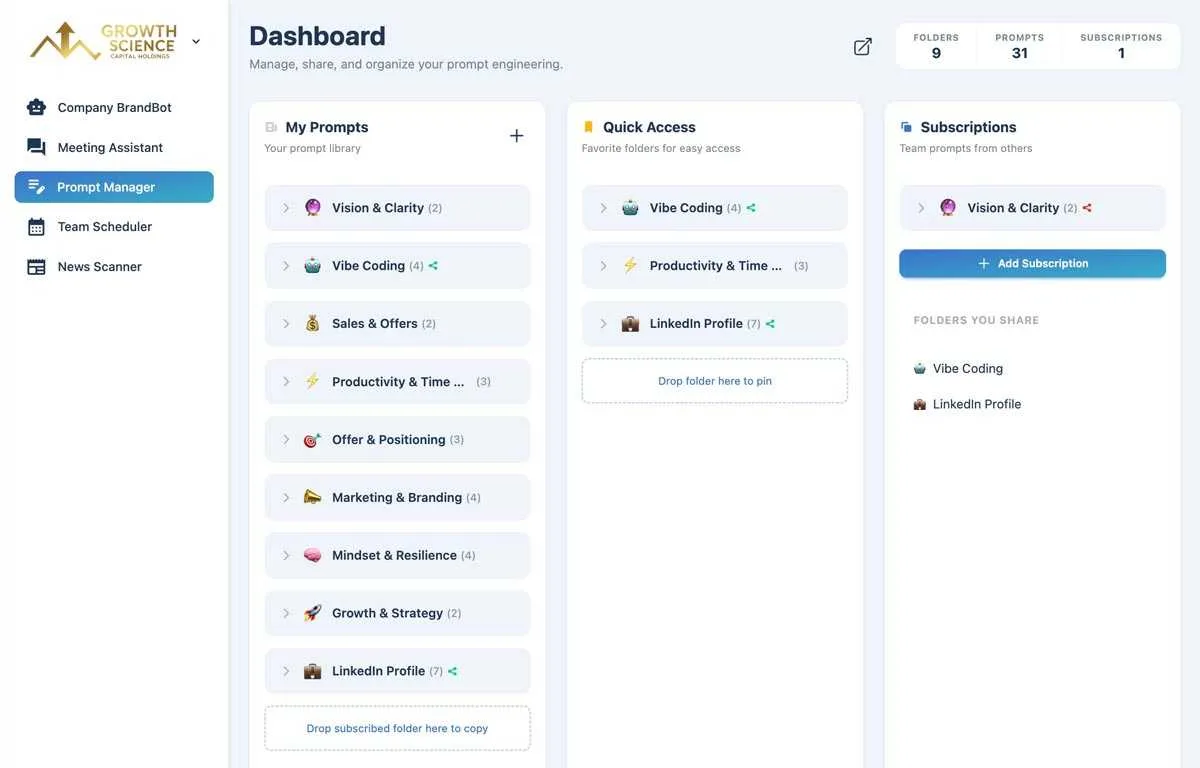
Prompt Manager
The problem: your best prompts live in scattered notes and old chat histories.
What it does: organize, version and share your prompts in one place, and build a team library of proven prompts anyone can find and reuse.
"Use my 'Website Review & Proposal' prompt to draft a proposal for BusyCorp's redesign and make a nice PDF to share with them."
MCP Connector
The problem: you jump between your AI assistant and your business tools, copying context back and forth.
What it does: this is the glue. One click installs TeamCentral inside Claude or ChatGPT (and it also works with Grok Bot, OpenClaw, Dots, Muse and others). From a normal chat you can find contacts, book meetings, draft on-brand copy and graphics, search your meetings, create share links and even send emails. Advanced users can set up scheduled routines, like a daily 8 a.m. briefing email, with no code at all.
Honestly, this turned out to be the most important feature. Living inside Claude beat building yet another dashboard you have to remember to open.
BUILT TO BE TRUSTED
Since TeamCentral touches your calendars, meetings and contacts, security wasn't optional:
- Your data is never used to train AI models.
- Everything is encrypted in transit and at rest, with strict per-user access controls.
- Models are routed through OpenRouter (Claude, GPT, Gemini and others), chosen on cost and capability, so you get the latest AI without juggling separate subscriptions.
- Payments run through Stripe, and you can cancel anytime.
WHO IT'S FOR
There are Individual, Professional and Organization plans. Meeting Assistant, Prompt Manager and News Scanner work great solo, while Team Scheduler, BrandBot and the Contact Directory really shine with a team. Every plan gets the MCP Connector; the higher tiers add the AI-powered tools inside your chat.
WHAT I LEARNED
- Design thinking matters more with AI, not less. The hard part is still deciding what to build.
- A prototype is a weekend. Accounts, organizations, billing, security and onboarding are the actual product, and they take the real time.
- Meet people where they already work. For most of us, that's now an AI chat.
And the best feedback so far, from Jeremy Pollack, CEO of Growth Science Capital: "Seeing meeting availability across organizations was a huge upgrade... Best of all, we use it right from Claude."