
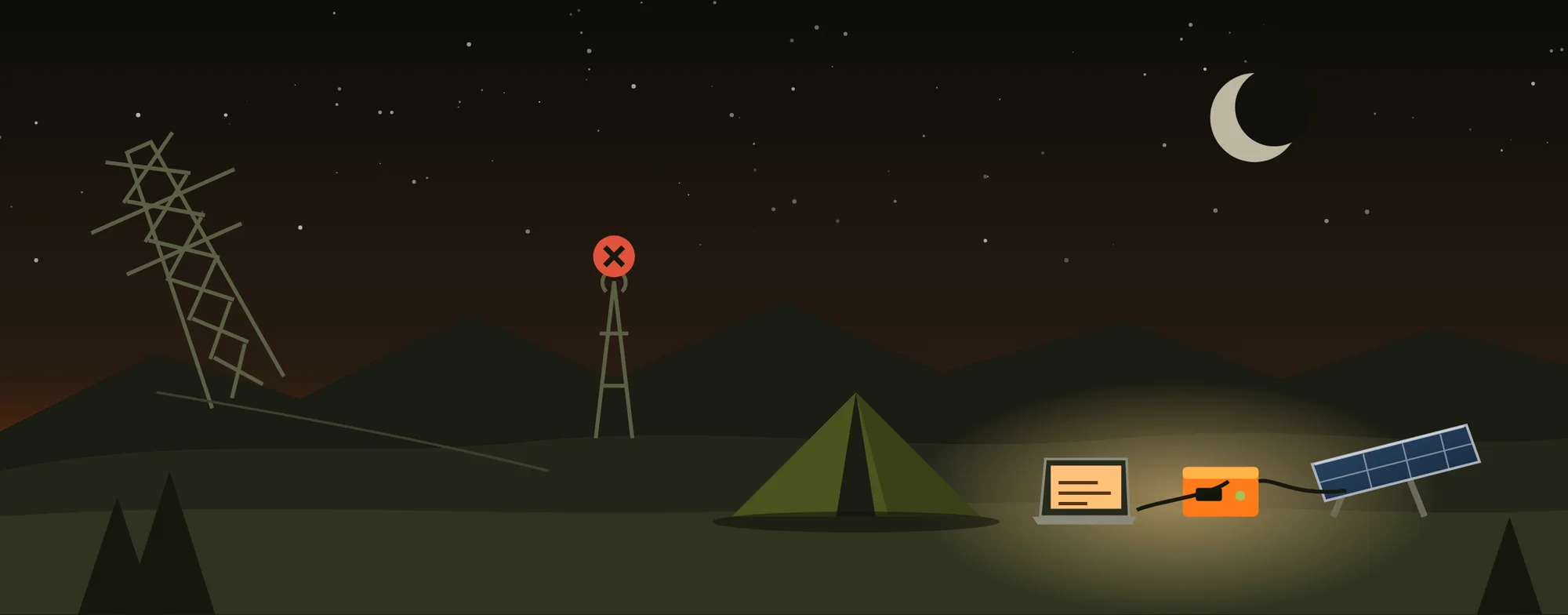

Lately there's been a lot of conversation about being prepared, with global unrest, big hacks and outages in the news. It got me thinking about how much I reach for the internet when I need to figure something out.
If the internet and the grid went down for a while, ChatGPT, Google and YouTube would go with them. All those answers I can normally pull up in a few seconds would suddenly be a little harder to reach.
So naturally, I spent part of Thanksgiving week doing some holiday homework on my post-apocalyptic AI survival plan. As one does!
The homework
I wanted to explore offline knowledge libraries with an AI I could talk to, all running on hardware I own. The idea was to have useful information available even when I couldn't just search for it online.
I use AI all the time, so the thought of having a local model I could ask questions felt like a good place to start. But I also wanted an actual library of information alongside it. An AI can be useful to talk things through with, but I like having references I can go back to and read for myself.
And yes, I realize that working on an AI survival plan over a holiday is a particular way to spend time off. I had fun with it!
What I found
I pulled my research together in my Survival AI field guide. It compares a few different routes, depending on how much you want to set up yourself:
- Brangus Survival LLM: a simple desktop app.
- Project NOMAD: a home server suite.
- Ollama + Kiwix: a build-your-own route combining a local model with an offline library.
- BrightKB: a tiny fact database.
- A high-end custom rig: the biggest models on serious (and seriously expensive) hardware.
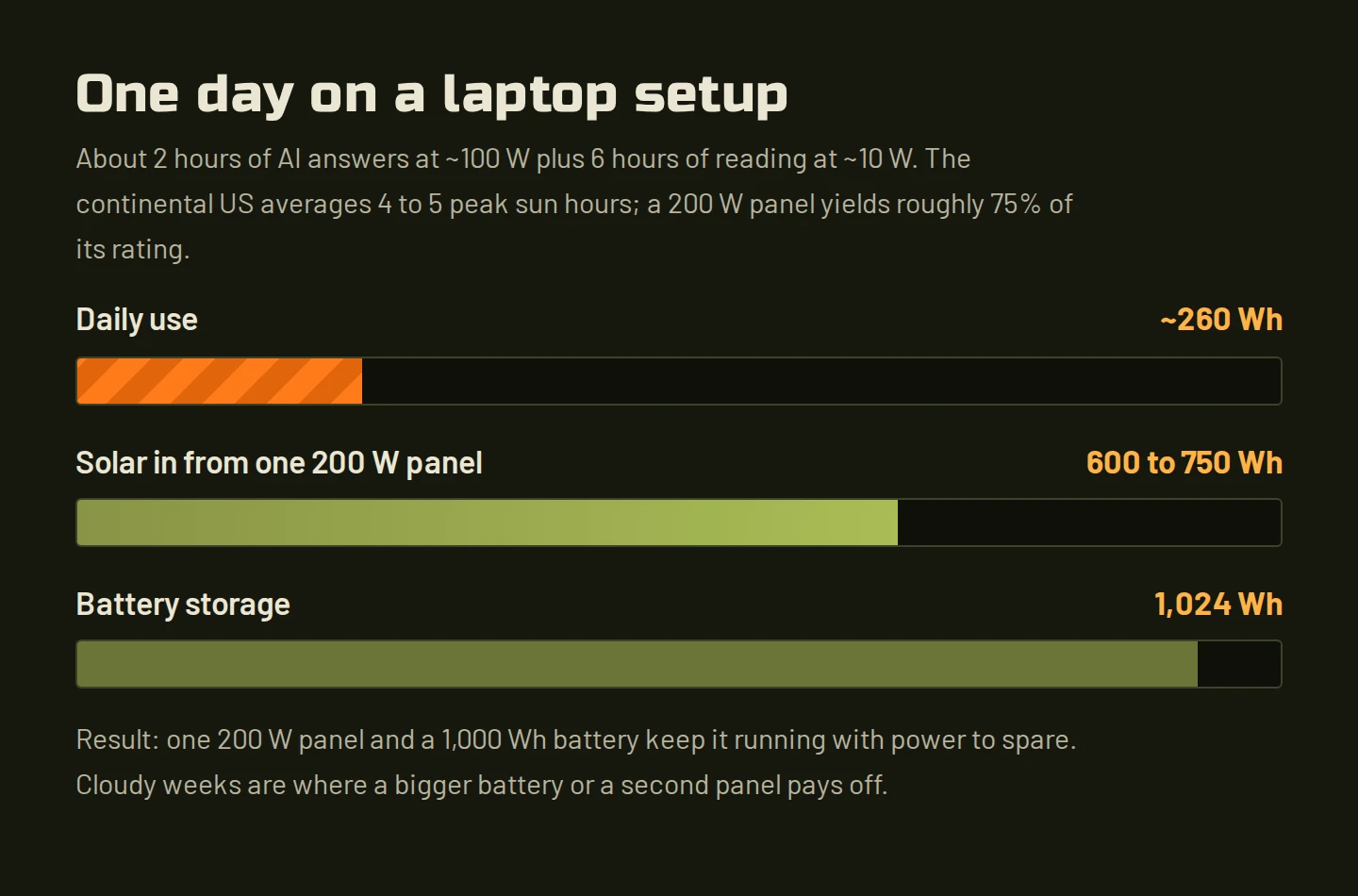
The guide also includes a solar and battery plan, because no power means no survival AI. It's easy to get excited about the software and forget that the computer still needs to turn on.
What I liked about looking at the options side by side was seeing that there isn't just one way to approach this. You can start with the kind of setup that fits the equipment and effort you're comfortable with, then think about what knowledge you'd actually want to have available.
What I went with
I chose Project NOMAD on my MacBook. NOMAD is officially built for Linux, but it worked on my Mac.
For the local model, I went with Qwen 3.8, running through Ollama. That's the AI I can talk to on my own computer. For the library, I downloaded Kiwix content including Wikipedia, medical and repair guides, and more.
Everything lives on an external SSD because the library is big. If you have enough room on your computer, an internal drive is fine too.
I like that the setup gives me both parts of what I was looking for: an AI to talk to and a collection of information I can browse. It made the whole idea feel a lot more tangible than just saying, “I should save some useful stuff offline someday.”
Getting it running
Claude Code did most of the heavy lifting with me. It helped install NOMAD, connect it to Ollama, suggest which local model to use, and set up the external SSD. The whole thing took a couple of hours.
I didn't need to turn my holiday into a full-time technical project. I could work through the setup with Claude Code, make the choices I needed to make, and end up with something useful on my own hardware.
What would you put in yours?
The fun part now is thinking about what belongs in an offline library. First aid and medical references are an obvious place to start, along with repair manuals and maps. Food and gardening resources could be useful too, as could family documents and learning materials for kids.
Your list might look completely different from mine. The things you reach for depend on your family, your home and what you already know how to do. That's what makes this an interesting project: the library can reflect what matters to you.
So, what would you put in your offline survival and knowledge library? Reply or get in touch. I'd love to hear what I'm missing!