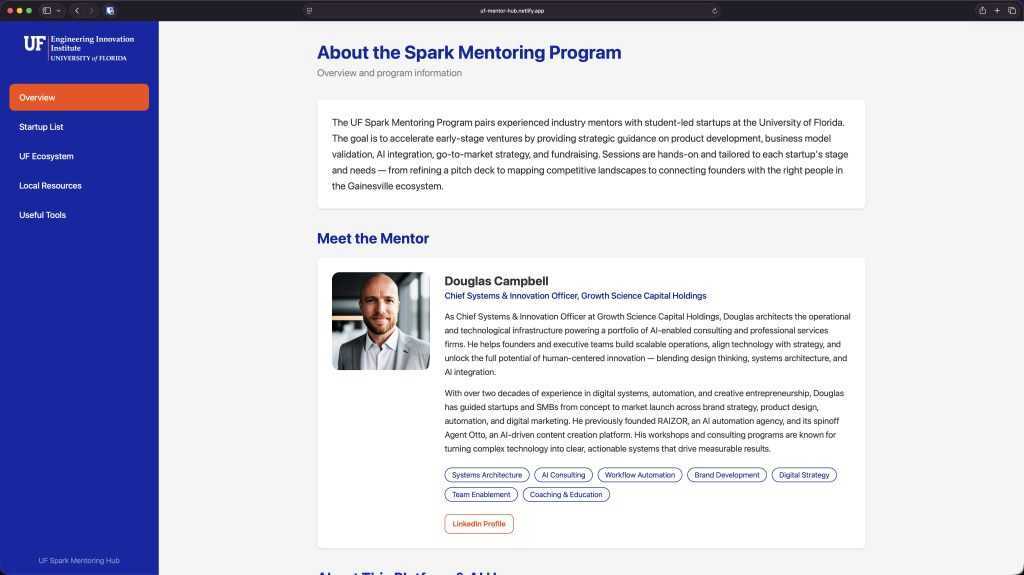
Yesterday I started a mentor role with University of Florida’s Spark – Engineering Innovation Institute. Instead of just adding the recurring Zoom meeting notes to a hulking doc that no one would find very useful (or probably even read), I decided that a clean online interface was the only way to manage 25+ ongoing mentee conversations while providing value AND not overburdening my time commitments, since I have only allotted 2 hours max a week to this position.
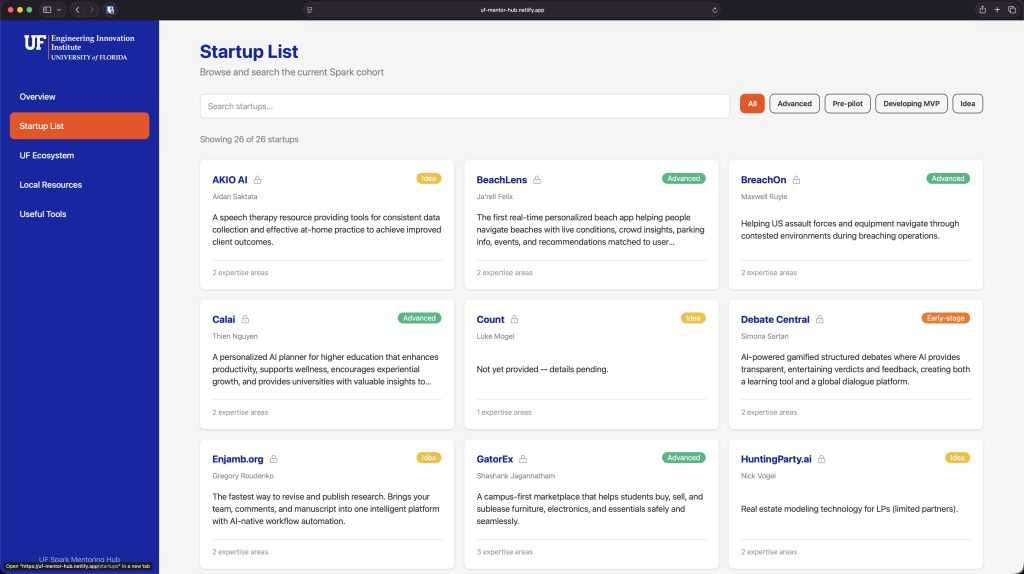
So after our first session I spent 45 minutes vibe coding a platform to keep track of our session notes, as well as a forum to share resources with the student teams. And all it cost was an hour or so of my time and my $20/mo Claude subscription!
How did I do it?
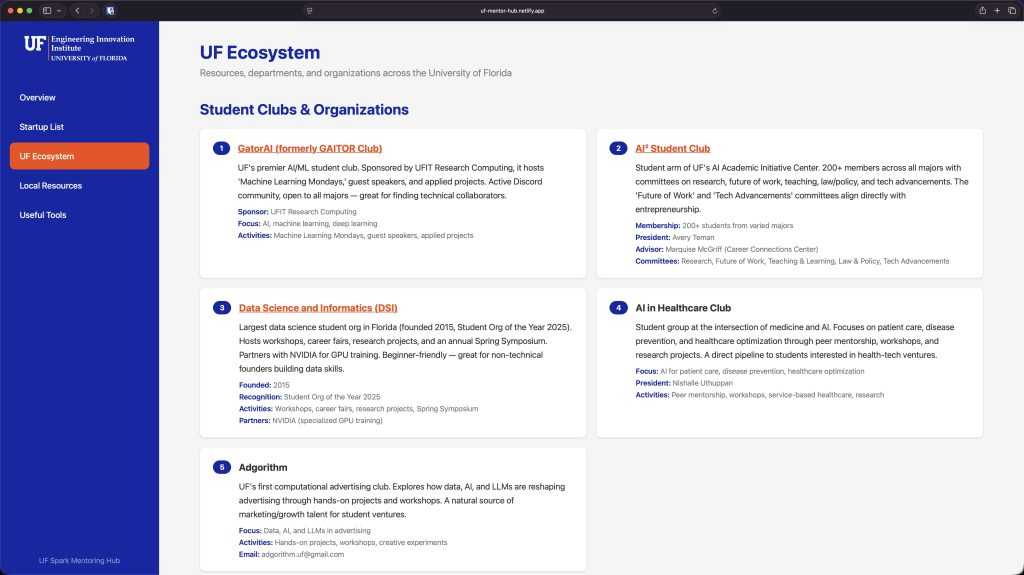
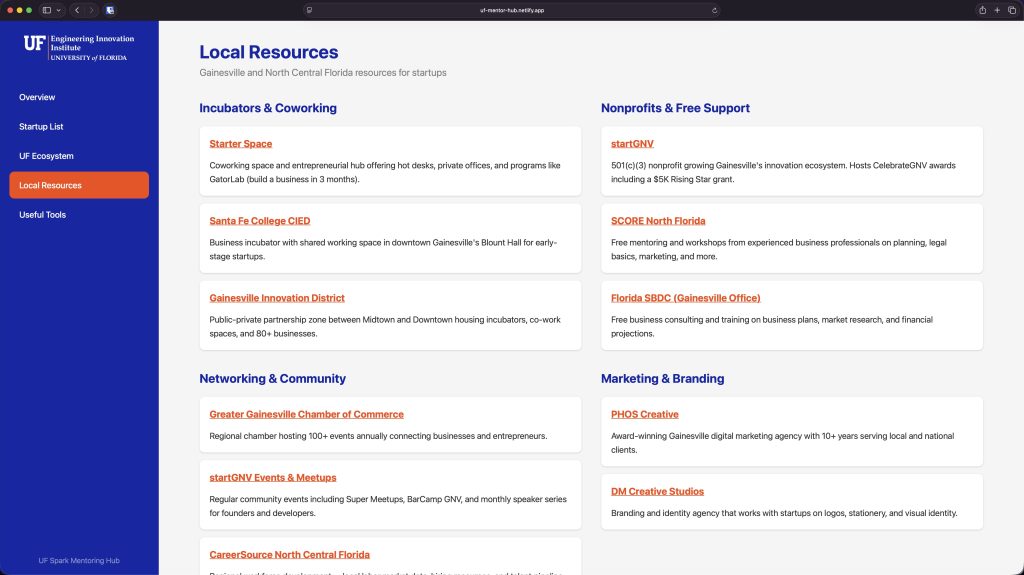
- Before our first session I spent 30 minutes chatting with Claude, gathering research on all the departments and resources inside UF, as well as local Gainesville organizations that could make for good collaborative potential.
- I added those research docs to a new Claude Cowork project folder, along with the spreadsheet Spark had provided me with, which included the basic details of each of the startups
- Claude made me a nicely organized ~26 page document with a clean list of all the startups that might attend my sessions, which organizations they might find beneficial, as well as the beginning of a mentorship strategy for them. I knew this would help bring me immediately up to speed on the call, no matter who attended.
- After the session with the first startup I asked Claude Cowork to help me build some sort of interface that featured: The startup list, individual startup pages, UF and local resources, plus useful AI tools. Within about 20 minutes a clickable V1 tool was complete and immediately working on my local machine. Another 20 minutes after that and I’d worked out some style tweaks. A little more after that and I’d added unique passwords to each startup’s page for privacy. Then I simply dropped the raw transcript into the project folder, and asked it to flesh out the specific startup’s password protected area with what we covered.
- Finally I spent 5 minutes connecting it to GitHub and published it to a Netlify link (both at zero cost free) so they students could access their (password protected) notes, peruse resources, and info from transcripts.. Now I can use this as an ongoing UI for future sessions. I just had the second session and it took me about 5 minutes to update the platform with the next transcript.
What previously would have been a messy, time consuming, out of date, unstructured doc, became a useful, easy to use, interactive app in under and hour.
It’s never been a better time to flex your curiosity and creativity 🚀